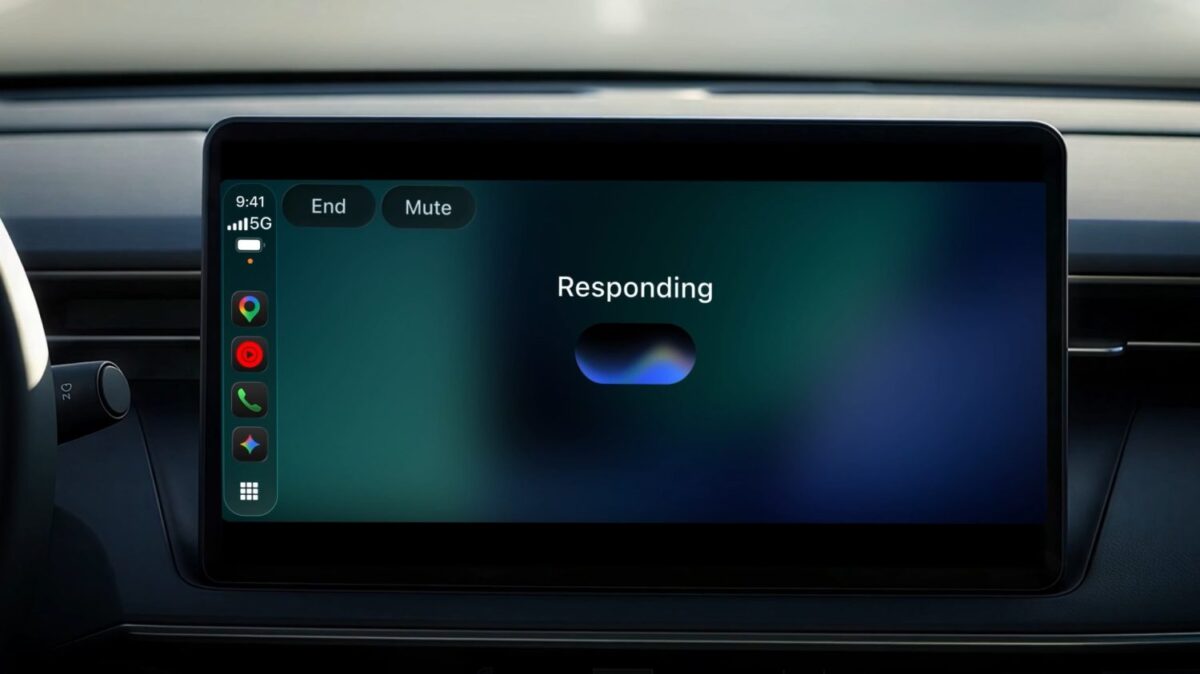
Google Gemini är ett verktyg som blivit allt mer populärt i smartphones under de senaste åren. Assistenten är en naturlig del av Android Auto och nu ser det ut som att den amerikanska jätten valt att expandera appen till ännu en populär plattform; Apple Carplay.
Appen kommer låta CarPlay ägare bland annat göra följande:
- Get ready for the day ahead: Use your morning commute to see what’s coming up and walk into your first meeting prepared. Ask Gemini what’s on your calendar, when you need to leave for your next appointment, or talk through what you want to say before you arrive.
- Try saying: ”What does my day look like?” or ”Help me prep for my 10am with the design team.”
- Talk through your inbox: Because Gemini connects with your Google Workspace apps like Gmail and Google Calendar, you can ask for your daily brief 1 , catch up on unread emails, get quick summaries of long email threads, and talk through a quick reply using just your voice.
- Try saying: “Give me my daily brief for today,” or “Catch me up on my unread emails and summarize Sarah’s Q4 budget thread.”
- Explore local spots and landmarks: Ask Gemini for recommendations in the area you’re heading to, from a quick place to grab lunch to the backstory on a local landmark.
- Try saying: “What’s a quick lunch spot in downtown Austin that’s easy to get in and out of?”
- Brainstorm, rehearse, and learn out loud: A quiet car cabin is one of the best places to think out loud. Use Gemini Live as a sounding board to practice an upcoming presentation, prepare for a tough conversation, or break down a complex topic you’ve been curious about.
- Try saying: “Let’s roleplay my Q4 pitch — act as a skeptical VP and challenge my strategy,” or “Break down how solid-state EV batteries work in simple terms.”